 Technology & Digital Learning
The Flipped Classroom
Are you ready to flip your classroom? Thinking about using a less than traditional method of teaching in your class? After learning about the history of the “flipped classroom,” you will look at how the roles and expectations of students and teachers change when using this model. No longer are students using textbooks and sitting in rows with a chalkboard. Today’s generation is using the Internet and technology to approach learning. Teachers are facilitators and encourage learning through interacting with the students, not lecturing. The Flipped Classroom course will give you strategies and tips to effectively implement the model into your class.
Course details+
Are you ready to flip your classroom? Thinking about using a less than traditional method of teaching in your class? After learning about the history of the “flipped classroom,” you will look at how the roles and expectations of students and teachers change when using this model. No longer are students using textbooks and sitting in rows with a chalkboard. Today’s generation is using the Internet and technology to approach learning. Teachers are facilitators and encourage learning through interacting with the students, not lecturing. The Flipped Classroom course will give you strategies and tips to effectively implement the model into your class.
After completing this course, you should be able to:
- Describe aspects of the flipped classroom
- Identify how to implement the flipped classroom
- Define the flipped-mastery classroom
- Recognize how to implement the flipped-mastery classroom
Syllabus & lessons+
Module 1 - The Flipped Classroom
Module 2 - Why and How to Implement the Flipped Classroom
Module 3 - The Flipped-Mastery Classroom
Module 4 - Implementing the Flipped-Mastery Model
The Flipped Classroom Module 1
The Flipped Classroom
This module gives a brief history of the flipped classroom and how the designers of the approach began to implement it in their classrooms. We will take a look at the different types of students and their individual needs and how the flipped classroom can address many types of student needs and ensure that students receive a personalized education. Furthermore, students will learn how the flipped classroom can be tailored for mastery learning in all content areas.
- How Flipping Aids Personalization
- The Flipped-Mastery Class Begins
- The Flipped Classroom Structure
- The Teacher’s Role in a Flipped Class
The Flipped Classroom Module 2
Why and How to Implement the Flipped Classroom
The first part of this module gives several rationales for why the flipped classroom is an effective teaching method. It describes why the flipped classroom is good for students and teachers. In the second part of the module students will learn how to implement the approach. Details are given on how to make the necessary videos and the equipment and technology required. How to implement the flipped classroom for use with project based learning is also discussed.
- Flipping Speaks the Language of Today’s Students
- Flipping Helps Students of All Abilities to Excel
- Flipping Allows Teachers to Know Their Students Better
- Flipping Educates Parents
The Flipped Classroom Module 3
The Flipped-Mastery Classroom
This module introduces the concept of mastery learning and how the flipped classroom can be used to implement mastery learning. Characteristics of effective teachers who choose to use this approach are addressed. Also included is an outline of the key components of the flipped classroom and an in-depth discussion for making the case for the flipped-mastery model.
- A Quick Overview of Mastery Learning
- What Is a Flipped-Mastery Classroom?
- Components of a Flipped-Mastery Classroom
- The Mastery Model Teaches Students to Take Responsibility for Their Own Learning
The Flipped Classroom Module 4
Implementing the Flipped-Mastery Model
This module goes into detail about how to implement the flipped-mastery classroom, including topics such as: what to do on the first day of school, how to inform parents about the approach, teaching students how to watch and interact with the videos, and setting up the classroom for the flipped-mastery approach. There is also instruction on how to assess students to include formative and summative assessments. Finally, students will benefit from a section in the textbook that addresses common questions and concerns regarding the flipped classroom.
- What to Do on the First Day
- Find Out Which Students Are Ready for Self-Direction
- Inform Parents About the Model
- Require Students to Ask Interesting Questions
Instructor+
Tricia Seymour
Tricia has worked in the education field for over 35 years, as well as online education for 15 years. She holds a Bachelor’s degree in Social Sciences, a PhD in Counseling Psychology and a Doctorate of Education in Online Education & Leadership from the American College of Education. She has been an adjunct instructor, both online and in-person in the fields of psychology & sociology.
Prerequisites+
No prerequisites required.
Instructional materials+
All materials included in course.
System requirements+
Internet Connection
- Broadband or High-Speed - DSL, Cable, and Wireless Connections
*Dial-Up internet connections will result in a diminished online experience. Classroom pages may load slowly and viewing large audio and video files may not be possible.*
Hardware Requirements
- Processor - 2GHz Processor or Higher
- Memory - 1 GB RAM Minimum Recommended
PC Software Requirements
- Operating Systems - Windows 10 or higher
- Microsoft Office 2019 or higher. Also, you could use a general Word Processing application to save and open Microsoft Office formats (.doc, .docx, .xls, .xlsx, .ppt, .pptx)
- Internet Browsers - Google Chrome is highly recommended
- Cookies MUST be enabled
- Pop-ups MUST be allowed (Pop-up Blocker disabled)
- The Kindle Reader App or VitalSource Bookshelf App are needed for many of our courses (No special equipment needed. This can be downloaded for FREE onto your computer.)
- PowerPoint Viewer (if you do not have PowerPoint)
- Adobe PDF Reader
- QuickTime, Windows Media Player &/or Real Player
MAC Software Requirements
- Operating Systems - Mac OS version 11 or higher
- Mac office programs or a Word Processing application to save and open Microsoft Office formats (.doc, .docx, .xls, .xlsx, .ppt, .pptx)
- Internet Browsers - Google Chrome is highly recommended
- Cookies MUST be enabled
- Pop-ups MUST be allowed (Pop-up Blocker disabled)
- The Amazon Kindle Reader App or VitalSource Bookshelf App are needed for many of our courses (No special equipment needed. This can be downloaded for FREE onto your computer.)
- PowerPoint Viewer (if you do not have PowerPoint)
- Adobe PDF Reader
- Apple QuickTime Media Player
More in Technology & Digital Learning
Introduction to ChatGPT
By taking our Introduction to ChatGPT course, you will be introduced to the fundamentals of how to use ChatGPT in work and everyday settings. Among many things, we cover the basics of where to access it, how to get started with its user interface and how to create refined prompts. By learning the fundamentals, you can apply this knowledge into educational and business settings.
Introduction to Google Classroom
Google has changed the face of education in ways few people could have imagined it would. The Google suite of classroom tools are so popular because they are free for schools to use, are accessible, and make sharing and collaborating incredibly easy and fun. Our Introduction to Google Classroom course provides a framework for using technology to engage your learners which in turn will greatly enhance their learning experiences.
K-12 Moving to Virtual Learning
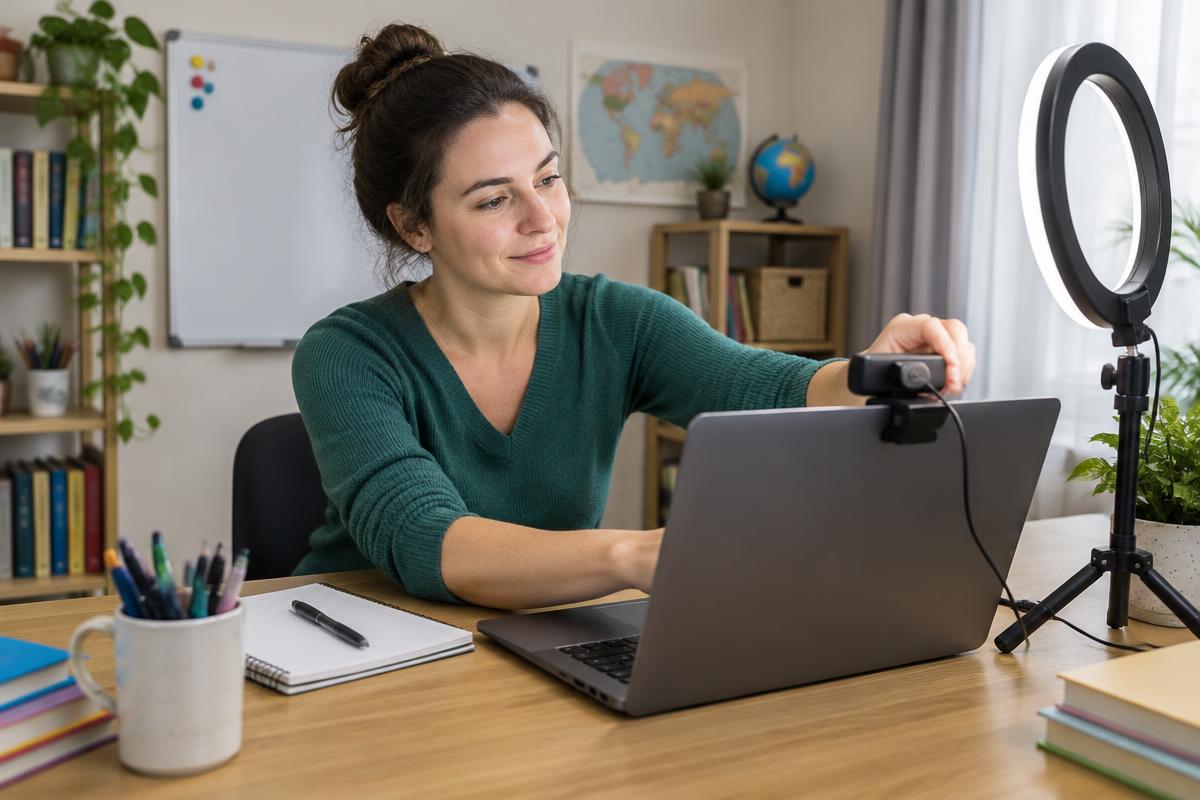
Online education is changing the way that students access and receive high-quality instructional experiences around the world. With online instruction, teachers have a vast array of technology at their fingertips. Our K-12 Moving to Virtual Learning course provides real world tools and techniques for the design and implementation of quality, engaging, and interactive learning experiences for students. We discuss communication tools that foster interaction and collaboration between students and teachers, as well as how to support struggling learners, learners with special needs, and how to properly use assistive technologies.