 Technology & Digital Learning
K-12 Moving to Virtual Learning
Online education is changing the way that students access and receive high-quality instructional experiences around the world. With online instruction, teachers have a vast array of technology at their fingertips. Our K-12 Moving to Virtual Learning course provides real world tools and techniques for the design and implementation of quality, engaging, and interactive learning experiences for students. We discuss communication tools that foster interaction and collaboration between students and teachers, as well as how to support struggling learners, learners with special needs, and how to properly use assistive technologies.
Course details+
Online education is changing the way that students access and receive high-quality instructional experiences around the world. With online instruction, teachers have a vast array of technology at their fingertips. Our K-12 Moving to Virtual Learning course provides real world tools and techniques for the design and implementation of quality, engaging, and interactive learning experiences for students. We discuss communication tools that foster interaction and collaboration between students and teachers, as well as how to support struggling learners, learners with special needs, and how to properly use assistive technologies.
After completing this course, you should be able to:
- Recall the principles of quality, effective online education
- Recognize tools for collaboration and delivering instructional activities
- Identify how to design, plan, and implement online lessons
- Describe aspects for supporting online learners
Syllabus & lessons+
Module 1 - Key Principles of Effective Online Education
Module 2 - Collaboration and Tools for Teaching Online
Module 3 - Designing Quality Online Lessons
Module 4 - Supporting Online Learners
K-12 Moving to Virtual Learning Module 1
Key Principles of Effective Online Education
Good teaching is good teaching, whether in person or virtually. In our first module, we discuss the characteristics of what quality online education is, as well as the foundation of what makes teachers successful in this type of learning environment.
- What is Distance Learning?
- Quality of Online Education
- Qualities of Successful Teachers
- When the Classroom Moves Online
- Learner-Centeredness
K-12 Moving to Virtual Learning Module 2
Collaboration and Tools for Teaching Online
In this module, we examine various asynchronous and synchronous tools for delivering online instruction. We also discuss the benefits and challenges of implementing collaborative activities among students and teachers.
- Tools for Delivering Instruction Online
- Tools for Designing Instructional Elements
- The Teacher in Online Teaching
- Preparing for Your Online Classroom
- Strategies for Online Collaboration
- Assessing Collaboration and Community-Building Activities
K-12 Moving to Virtual Learning Module 3
Designing Quality Online Lessons
Discussion forums are very common in adult online environments; they are less frequently seen in K-12 programs. In this module we examine why this is the case, facilitation and management strategies, and how to promote engagement in online discussions. We also look at how to properly plan lessons for online delivery and how to manage your course site.
- Physical Structure of Discussion Forums
- Facilitating Effective Online Discussions
- Assessing Online Discussions
- Planning Lessons for Online Delivery
- Lesson Design and Digital Media
K-12 Moving to Virtual Learning Module 4
Supporting Online Learners
In our final module, we discuss characteristics of online learners, strategies for differentiating instruction, and supporting learners with special needs. We describe Universal Design for Learning (UDL) and how to use assistive technologies. Finally, we examine the fundamentals of blended learning and how to implement these strategies.
- Support for Learners with Special Needs
- Differentiating Instruction for Struggling Students
- Types of Learning Difficulties
- Accessibility, Assistive Technology, and Accommodations
- Digital Citizenship
- Blended Classroom
Instructor+
Tricia Seymour
Tricia has worked in the education field for over 35 years, as well as online education for 15 years. She holds a Bachelor’s degree in Social Sciences, a PhD in Counseling Psychology and a Doctorate of Education in Online Education & Leadership from the American College of Education. She has been an adjunct instructor, both online and in-person in the fields of psychology & sociology.
Prerequisites+
No prerequisites required.
Instructional materials+
All materials included in course.
System requirements+
Internet Connection
- Broadband or High-Speed - DSL, Cable, and Wireless Connections
*Dial-Up internet connections will result in a diminished online experience. Classroom pages may load slowly and viewing large audio and video files may not be possible.
Hardware Requirements
- Processor - 2GHz Processor or Higher
- Memory - 1 GB RAM Minimum Recommended
PC Software Requirements
- Operating Systems - Windows 10 or higher
- Microsoft Office 2019 or higher. Also, you could use a general Word Processing application to save and open Microsoft Office formats (.doc, .docx, .xls, .xlsx, .ppt, .pptx)
- Internet Browsers - Google Chrome is highly recommended
- Cookies MUST be enabled
- Pop-ups MUST be allowed (Pop-up Blocker disabled)
- The Kindle Reader App or VitalSource Bookshelf App are needed for many of our courses (No special equipment needed. This can be downloaded for FREE onto your computer.)
- PowerPoint Viewer (if you do not have PowerPoint)
- Adobe PDF Reader
- QuickTime, Windows Media Player &/or Real Player
MAC Software Requirements
- Operating Systems - Mac OS version 11 or higher
- Mac office programs or a Word Processing application to save and open Microsoft Office formats (.doc, .docx, .xls, .xlsx, .ppt, .pptx)
- Internet Browsers - Google Chrome is highly recommended
- Cookies MUST be enabled
- Pop-ups MUST be allowed (Pop-up Blocker disabled)
- The Amazon Kindle Reader App or VitalSource Bookshelf App are needed for many of our courses (No special equipment needed. This can be downloaded for FREE onto your computer.)
- PowerPoint Viewer (if you do not have PowerPoint)
- Adobe PDF Reader
- Apple QuickTime Media Player
More in Technology & Digital Learning
Introduction to ChatGPT
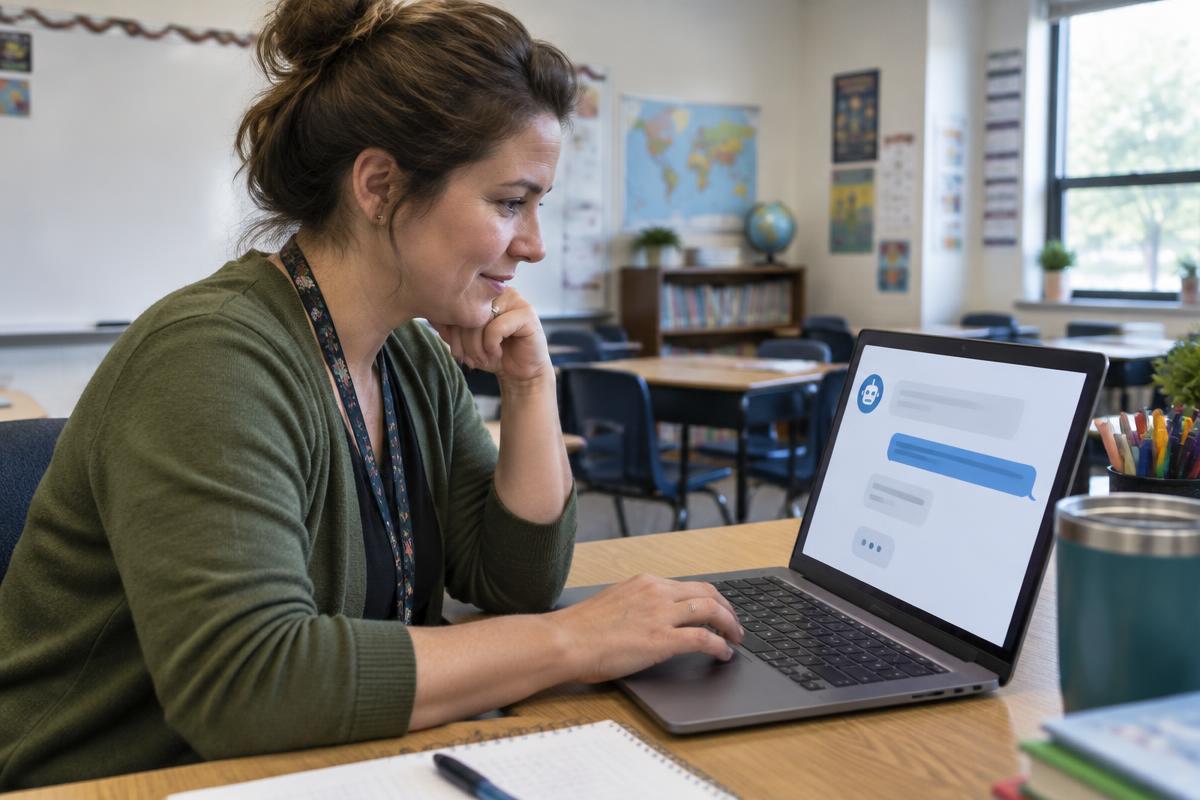
By taking our Introduction to ChatGPT course, you will be introduced to the fundamentals of how to use ChatGPT in work and everyday settings. Among many things, we cover the basics of where to access it, how to get started with its user interface and how to create refined prompts. By learning the fundamentals, you can apply this knowledge into educational and business settings.
Introduction to Google Classroom
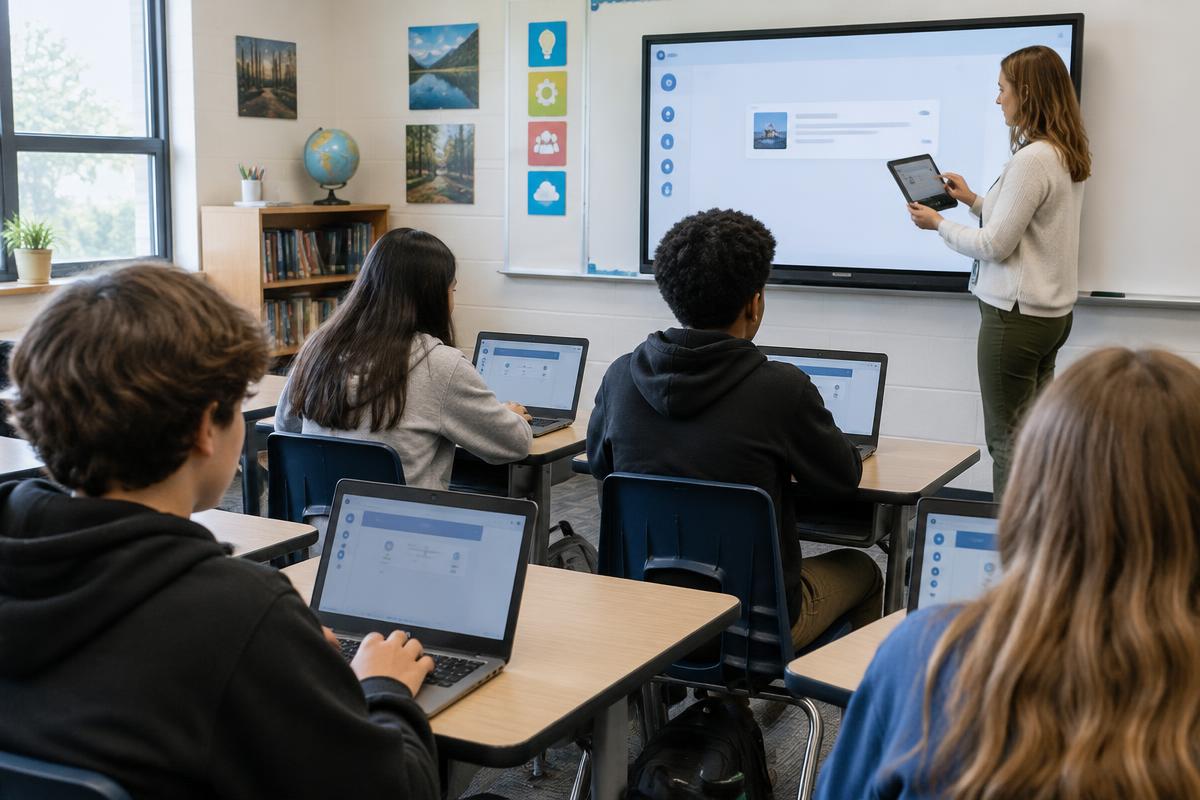
Google has changed the face of education in ways few people could have imagined it would. The Google suite of classroom tools are so popular because they are free for schools to use, are accessible, and make sharing and collaborating incredibly easy and fun. Our Introduction to Google Classroom course provides a framework for using technology to engage your learners which in turn will greatly enhance their learning experiences.
K-12 Virtual Student Engagement
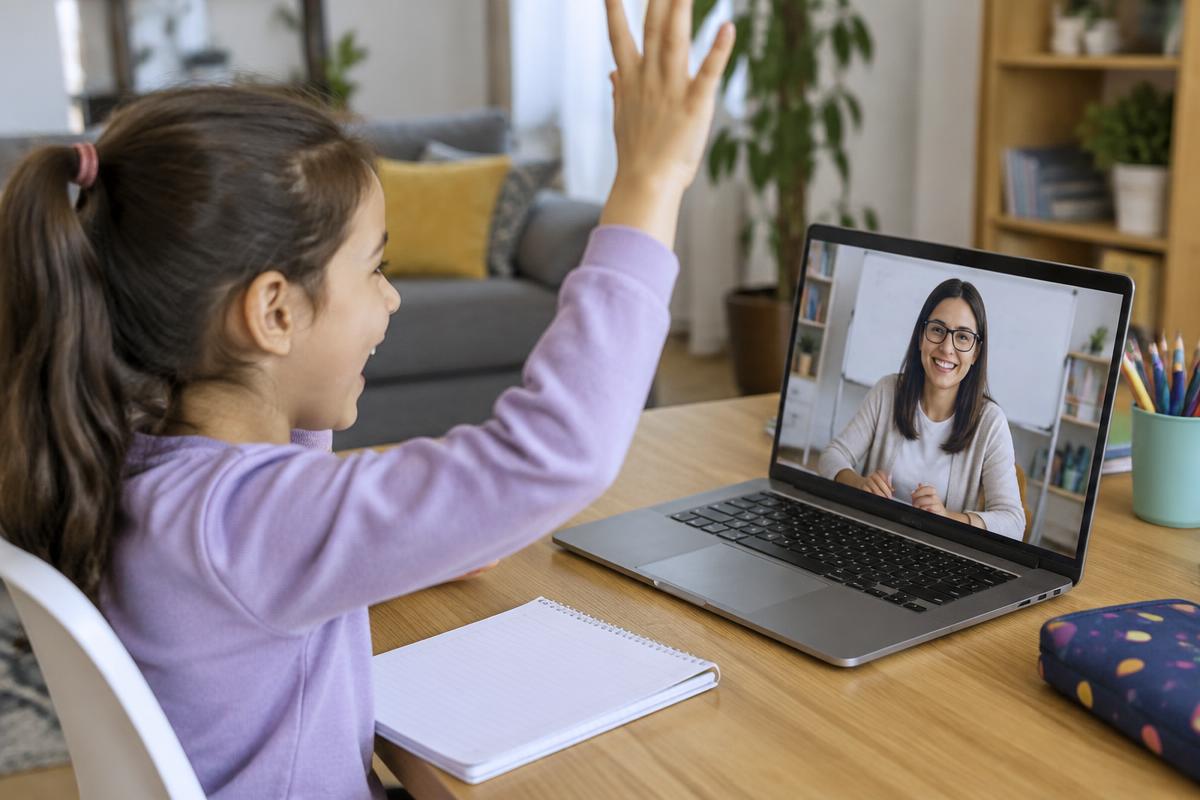
Education and the way things are taught have changed dramatically in recent years. Students are now expected to learn from a distance to a certain degree. It might be fully virtual or a blend of brick-and-mortar learning and distance learning. Whichever mode, the main goal remains the same: to ensure that students are learning. Our K-12 Virtual Student Engagement course provides steps for fostering teacher-student relationships, increasing clarity and engagement in a virtual setting. We describe the proper ways for planning, coaching, and demonstrating lessons across platforms and how to provide constructive feedback and assessment.